More than a new screen.
We check the display, touch response, charging and battery behaviour to understand the whole issue. Part options and compatibility are explained before you decide.
Explore phone repairs ↗Phones. Laptops. The computer you rely on.
Good tech deserves another go. Straight answers and careful repairs, right here in town.
Walk-ins welcome · Mon–Sat, 9 AM–6 PM
The repair menu
A few everyday fixes. Can’t see your issue? Bring it in and we’ll take a look.
Sample starting prices in Philippine pesos. Your model, parts and diagnosis affect the final quote. We confirm the price before any repair. No repair is booked through this demo.
A closer look at the work
A repair starts with understanding the fault. Here’s what that work can involve across the devices we use every day.
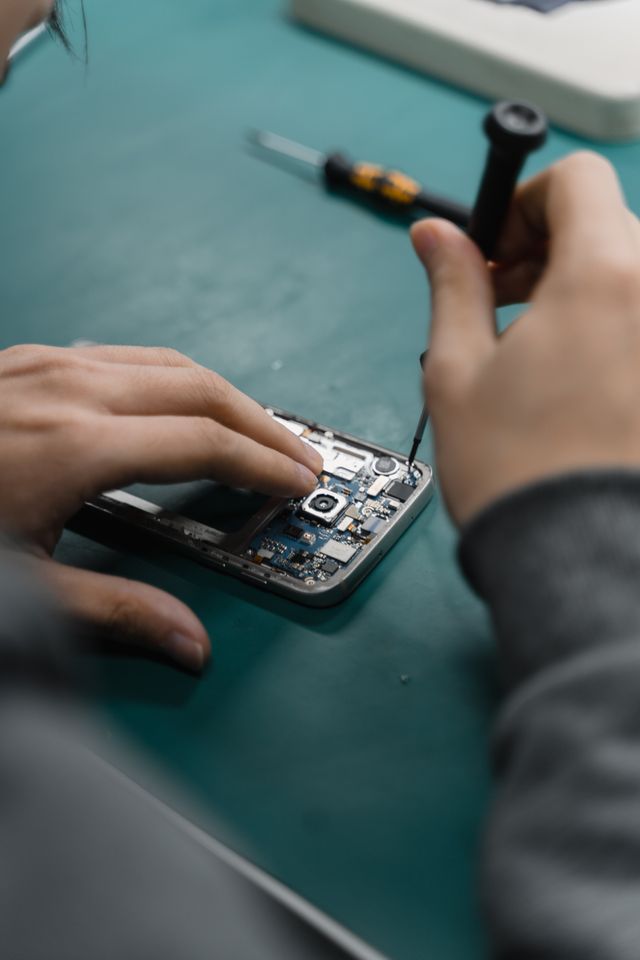
We check the display, touch response, charging and battery behaviour to understand the whole issue. Part options and compatibility are explained before you decide.
Explore phone repairs ↗
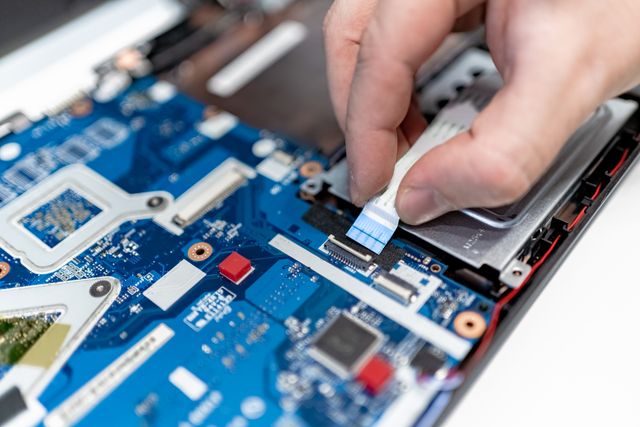
Slow starts, noisy fans and worn keyboards don’t always mean it’s time for a new laptop. We check the cause and recommend a repair or upgrade that suits how you use it.
Explore laptop repairs ↗
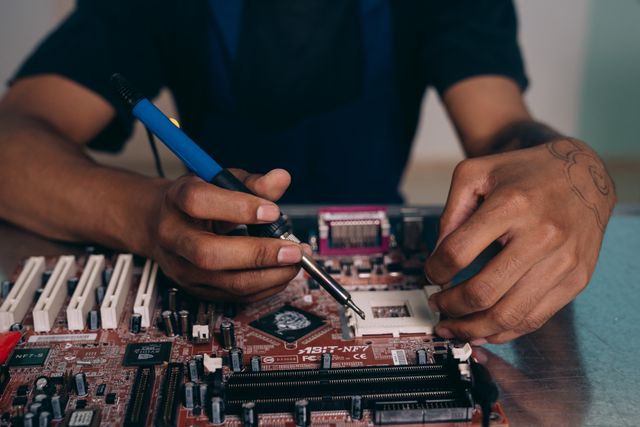
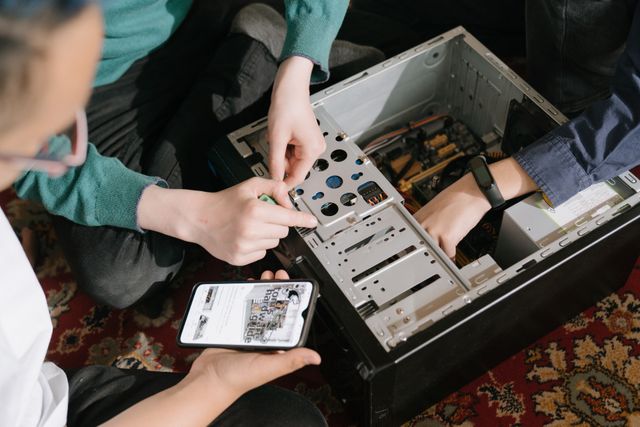
From a computer that won’t start to a first custom build, we check power, cooling and component compatibility. Upgrades are planned around what you need the PC to do.
Explore desktop repairs ↗Repair photography illustrates the services in this website concept.
Keep the device. Lose the worry.
We explain what’s wrong, what can be done and whether the repair makes sense.
See the quote and the proposed parts first. Nothing goes ahead without your approval.
We ask before accessing files or resetting a device. Always back up important data before a repair.
From broken to back with you
Bring your device and charger. Tell us what happened and what you need it for.
We check the fault, explain any diagnostic fee and agree on a price and estimated turnaround.
We test the repair together and explain the care instructions and applicable parts warranty.
Before you drop by
A few details help us diagnose the problem and keep your visit straightforward. Don’t worry if your device won’t turn on; just tell us what happened.
Tell us about your device ↗Save a copy of important files and photos if the device still works. Remove removable storage and keep your SIM card unless it’s needed for testing.
Your charger and any accessory involved in the fault can help us reproduce it. Note the model, error messages and any recent drops, spills or software changes.
Don’t put passwords in the enquiry form. If access is needed for a test, we’ll discuss a suitable way to do that with you at the counter.
Disconnect external power if safe, don’t charge it and avoid repeatedly trying to turn it on. Bring it in for an assessment; recovery isn’t guaranteed.
Bring it to Haytek
Tell us about your device before you drop by. Or come straight to the shop during opening hours.
Monday–Saturday · 9 AM–6 PM
Sunday · Closed
It depends on the fault and parts availability. We’ll give you an estimated turnaround after the initial check and let you know if anything changes.
Many hardware repairs don’t require a reset, but data loss is always possible. Back up your device first. We’ll ask before any reset or work that affects your files.
We work on many common phone and computer brands. Share your exact model so we can check parts and repair options before you travel.
Some issues require a paid diagnosis. We’ll explain any fee and whether it is credited toward the repair before you leave your device.
We’ll say so. You can compare the repair quote with replacing the device, and decide what works for you. Repair work starts only after you approve it.