 Open SignalFrame in a new tab
SignalFrame
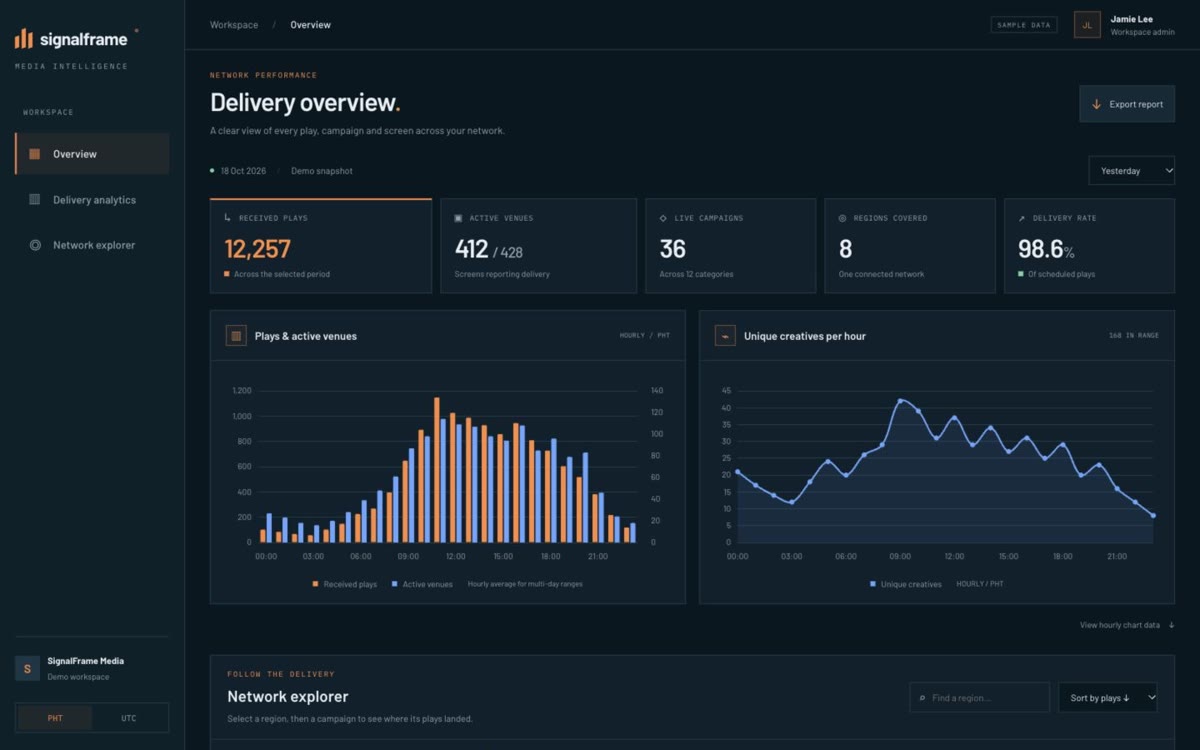
A dark analytics workspace with hourly charts, date filters and linked region, campaign and venue data.
Service 03 / 07 · Desktop Apps
Some work belongs on a computer at a counter: printing, scanning, long forms, many windows open at once. We build desktop applications for Windows, macOS and Linux that fit that work and the hardware already on the desk.
01 · What you get
Data lives locally first, so the office keeps working through an outage, and syncs to a server or the cloud when it can.
01
One application for the operating systems your office already runs.
02
Receipt and document printers, barcode scanners, cash drawers and other devices.
03
The office keeps running without internet and syncs when the connection is back.
04
New versions install themselves, so every computer stays on the same release.
02 · How we approach it
We sit with the people at the counter before deciding what goes on each screen.
Fast data entry with shortcuts, tab order and sensible defaults for people who type all day.
Readable code and plain documentation, so the software outlives its first version.
03 · Related work
Website concepts for fictional businesses, designed and built by us as starting points for real ones. More dashboard and portals designs
Open SignalFrame in a new tabA dark analytics workspace with hourly charts, date filters and linked region, campaign and venue data.
 Open Luma Supply in a new tab
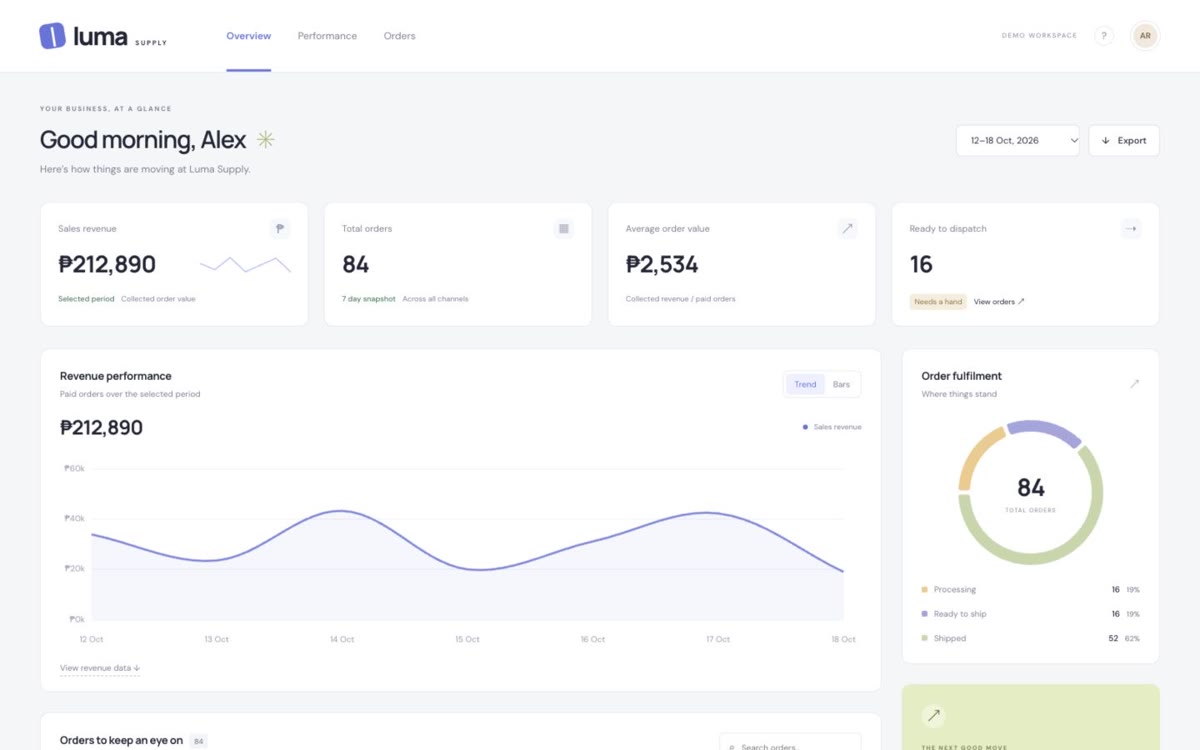
A light business portal with revenue charts, fulfilment tracking and searchable orders.
 Open Baon Club POS in a new tab
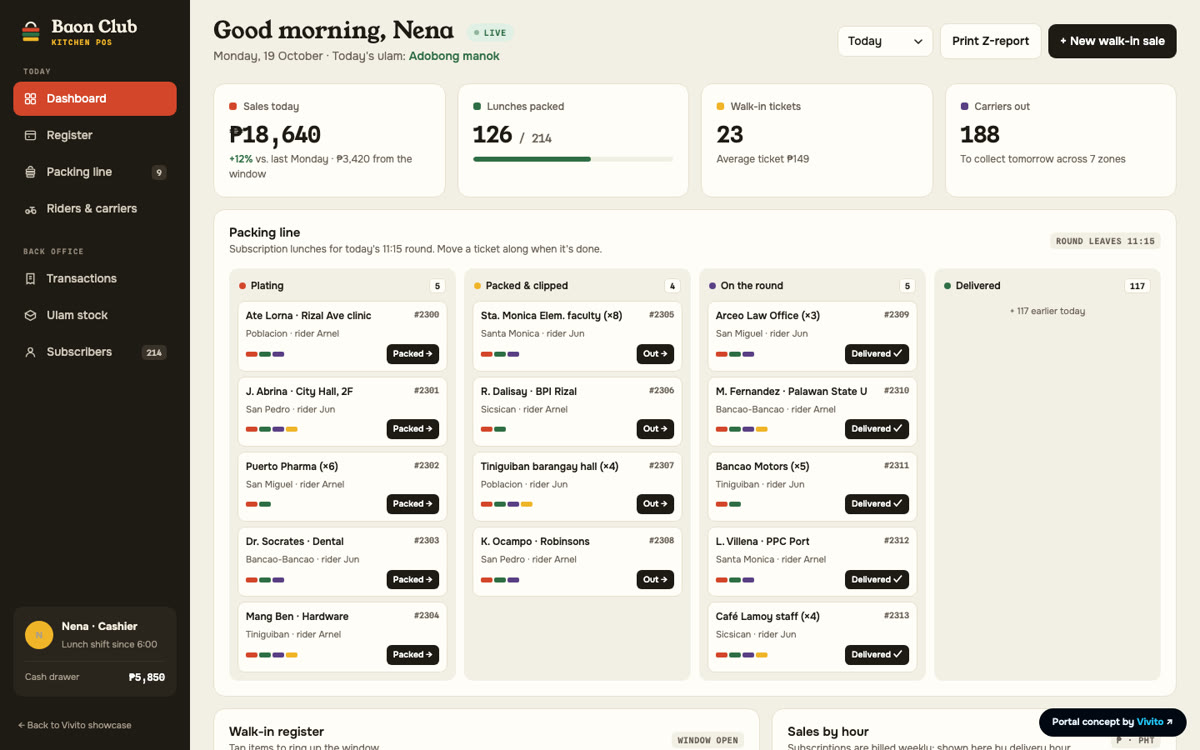
A packed-lunch kitchen POS with a walk-in register, a packing line, sales by hour and ulam stock.
04 · Questions
Desktop suits work that relies on local hardware, needs to run during outages or handles heavy data entry. Often the best answer is both: a desktop app at the counter and a web dashboard for managers.
Usually, yes. Tell us the models you use and we will confirm before we start.
On the computer first, then synced to your server or the cloud. We agree the setup with you and set up backups.